

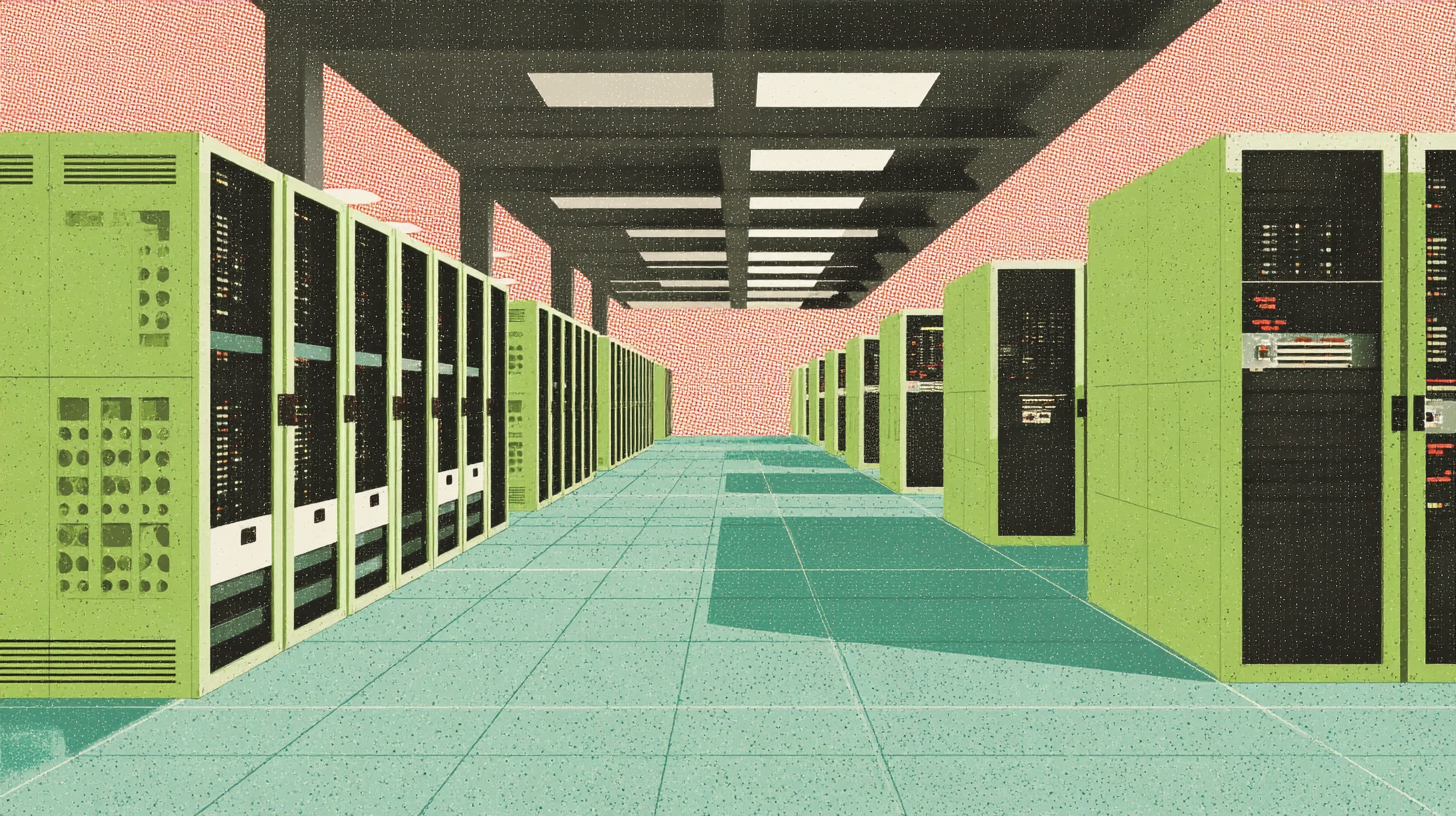
Ever wonder how critical IT infrastructure—from racks of humming servers to mission-critical applications—smoothly transitions from one high-security fortress to another? Data center migrations are the seamless movement of hardware, data, and entire network environments with minimal downtime and maximum efficiency. Below, let's explore what a data center migration typically entails, why it's so important, and how specialists like Introl ensure it's all done with near-zero disruption.
Why Data Center Migrations Matter
Imagine your business systems as a high-performance race car. You wouldn't swap out an engine mid-lap without a rock-solid plan—the same goes for relocating IT infrastructure. Here's why a careful, methodical approach is essential:
-
Business Continuity Even a few minutes of downtime can be a big deal, halting transactions or cutting off critical services. Data center migrations aim to keep the engine running smoothly, even as you move it from one garage to another.
-
Security and compliance Organizations must protect sensitive data to the highest standards, especially during transit. Teams ensure compliance with industry and governmental regulations through secure handling, rigorous encryption protocols (e.g., AES-256), and meticulous chain-of-custody documentation.
-
Scalability & Cost Efficiency Moving to a new facility often means upgrading or consolidating infrastructure. It's the perfect moment to optimize resources, reduce overhead, and set the stage for future growth.
The Anatomy of a Data Center Migration
1. Strategic Assessment & Planning
Before the first server is unplugged, the migration team dives into a thorough assessment. The migration team analyzes power requirements, cooling, network capacity, security protocols, and timelines. From there, the team develops a comprehensive roadmap that lays out every milestone:
-
Inventory & Analysis: The migration team catalogs servers, storage arrays, virtual machines, and network components to determine what they will relocate versus replace.
-
Risk Mitigation Plans: Identify potential hiccups—like legacy hardware compatibility or subnet conflicts—and plot out contingencies.
-
Typical Timeframe: For medium-scale environments (up to 1MW of equipment), this phase could take 4–6 weeks. Larger, more complex deployments might extend planning to 8–12 weeks.
Think of it as building the flight plan before takeoff: you want to know the route, altitude, and weather conditions long before you taxi onto the runway.
2. Hardware Relocation
Once planning is complete, it's time to move the actual "metal" from server racks to network appliances. This phase demands meticulous handling, akin to transporting priceless art (but with fewer paparazzi):
-
Disassembly & Packaging: Technicians carefully label, dismantle (if needed), and pack components to prevent physical damage. The team often uses custom foam crating or anti-static bubble wrap for protection.
-
Secured Transport: Specialized vehicles with climate-control and shock-absorbing features ensure minimal vibration and top-notch security, even if the journey is cross-country.
-
Typical Timeframe: Relocation can span anywhere from 48 hours to a week, depending on scale and distance. Introl teams can often condense that into a 72-hour window for urgent projects.
3. Data & Network Migration
With hardware on the move, the next big piece is data transfer. Security is paramount here—nobody wants unauthorized eyes on their secrets. A combination of encryption, secure connections, and real-time replication often comes into play:
-
Encryption: The security team encrypts data (in transit and at rest) using protocols like SSL/TLS, AES-256, or IPsec tunnels for site-to-site replication.
-
Real-Time Replication: Database administrators mirror databases via asynchronous or synchronous replication, ensuring near-instant updates when systems come online at the new site.
-
Downtime Management: If synchronous replication is used, organizations may opt for an interim "freeze" on writes to critical databases. This can keep downtime in the range of minutes rather than hours.
4. Decommissioning & Recycling
Some hardware may be too old, inefficient, or simply unnecessary to make the cut in the new location:
-
Safe Disposal: This is where proper data erasure (e.g., DoD 5220.22-M wipe methods) and environmental recycling come into play.
-
Equipment Repurposing: Still-functional gear might find new life in another business unit or be donated if it is truly surplus.
-
Typical Timeframe: Decommissioning can be parallelized, often taking 1–2 weeks for medium-sized footprints.
5. Infrastructure Deployment
Next stop: setting up racks, cabling, and power systems at the new data center. The focus is on precision:
-
Racks & Cabling: Proper labeling, cable trays, and structured cabling designs are essential for future troubleshooting. Cat6, Cat6a, and fiber trunks often come into play.
-
Power & Cooling: New setups frequently feature redundant power feeds (N+1 or 2N configurations) and advanced hot/cold aisle containment for efficient cooling.
-
Network Configuration: Network engineers must replicate or update VLANs, routing tables, and firewall rules to match the new environment.
-
Typical Timeframe: Physical build-outs range from days to weeks based on the data center's size and the rack design's complexity.
6. Testing & Optimization
Finally, it's time to flip the switches and run diagnostics:
-
Connectivity Tests: Engineers test all networking components—core switches, edge routers, firewalls—to ensure they communicate properly.
-
Application Checks: Critical apps undergo load tests, latency checks, and functionality runs to confirm everything's operational.
-
Optimization Tweaks: Here, any final calibrations—like adjusting virtualization clusters, refining QoS policies, or balancing traffic—are done.
-
Typical Timeframe: Full validation can last from a single weekend (for smaller moves) up to a month of incremental tuning in larger, enterprise-scale deployments.
Why an Elite Team Matters
Data center migrations are high-stakes operations; minor oversights can snowball into service outages and lost revenue. Teams like Introl bring:
-
Proven Operational Excellence: They've done this dance before—migrating massive infrastructure for global giants without downtime.
-
Zero-Downtime Focus: Meticulous timing ensures business continuity, so you're not leaving users or customers in limbo.
-
Rapid Deployment Capability: When time is of the essence, having specialists on standby to mobilize quickly can be the difference between a smooth transition and a fire drill.
For instance, Introl has successfully executed major migrations, like 4MW data center transitions, in part because it can deploy local experts in under 72 hours—a critical capability if you're dealing with a lease expiration or an emergency relocation.
Putting It All Together
A data center migration might seem like moving a small city's worth of hardware and software—because, in many ways, it is. But with the right team orchestrating each phase—from strategic planning to final performance checks—the transition can be surprisingly smooth. Instead of bracing for the worst, you'll be leaning into new opportunities: upgraded infrastructure, enhanced redundancy, and better resource utilization.
A successful data center migration isn't just about physically moving servers and cables; it's about future-proofing your organization. With seasoned experts ensuring no detail is overlooked, your systems will go from Point A to Point B without missing a beat.
Ready to plan a migration that combines speed, security, and precision? Check out Introl's data center migration services to learn more about how you can move mission-critical infrastructure—stress-free and downtime-free. Because when the stakes are high, every minute (and every piece of data) matters.